AI Video Generator
This AI video generator turns a prompt or your own images into a short video with Seedance, Kling, MiniMax or Gemini Omni. Write from scratch, or start from a video prompt that already worked.
What You Can Do With This AI Video Generator
Start from prompts that already work, steer the shot with your own images, and switch models whenever you like.
Start from prompts with real results
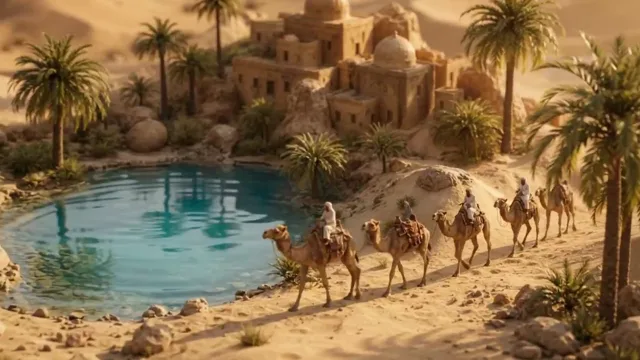
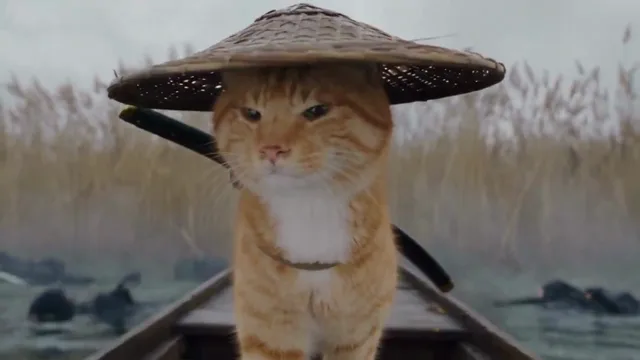
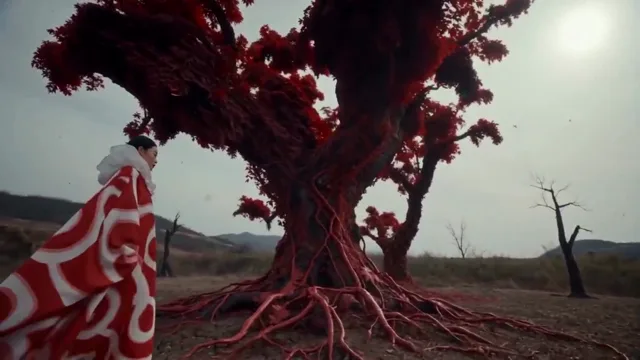
See the clip before you write a word. The gallery pairs video prompts shared on X with the videos they produced. Load one, change the subject or setting, and keep the camera work that made it land.

Direct the shot with your own images
Frames mode starts the video on your image and can end it on a second one. References mode takes up to four images of a character, product or place, and @ in the prompt says which goes where.
Switch models from the same prompt box
Seedance, Kling, MiniMax and Gemini Omni each handle motion, faces and sound differently. Try one prompt across them without leaving the page, with clips up to 4K and a generated soundtrack.
How to Make an AI Video in 3 Steps
Whether you start from text, an image or a gallery prompt, the AI video generator works the same way.
- 01
Write or pick a prompt
Describe the subject, what happens, and how the camera moves.
- 02
Add images if you have them
Optional. Upload a start frame, plus an end frame on models that support one. Or switch to References, add up to four images, and type @ to point at them in the prompt.
- 03
Choose a model, generate and download
Set the model, length, resolution and aspect ratio, check the credit cost, and generate. Most videos are ready in a few minutes; download the MP4 when it's done.
How to Write a Video Prompt
What the strongest prompts in the gallery tend to have in common, and how to apply it to your own.
Name the camera move
Left to guess, most models give you a static frame or an aimless drift. Say what the camera does: a slow push-in, a handheld follow, an orbit around the subject, a top-down pan.
Slow dolly-in from a wide shot to a close-up of her hands, shallow depth of field.
Write what happens in order
A video prompt describes a sequence, not a still. Say what happens first, next and last, and keep it to what fits in the clip length you picked.
She lifts the cup, steam curls up, then she glances out the window as the light warms.
Ask for the sound you want
On models that generate audio, describe it, or you get a generic background track. Name the ambient noise, put a line of dialogue in quotes, or say there should be no music.
Sound: rain on the window, a kettle clicking off, no music.
Use images for what words can't pin down
Faces, products and logos tend to drift from frame to frame. A start frame fixes the opening shot; reference images with @ keep a character or product looking the same.
@Image 1 walks into the café from @Image 2 and sits by the window.
Video Prompts by Model
Collections of prompts shared on X, grouped by the model they were written for.


AI Video Generator FAQ
Do I need to buy credits to generate videos?
Yes. Video generation unlocks after you buy a credit pack, and a free account can't generate videos whatever its credit balance. Once it is unlocked, the generate button shows the exact cost before you start, based on the model, resolution, length and, on some models, whether sound is on. See credit packs
Which video model should I choose?
Seedance 2.0 Mini costs the least per second, so it is a good place to test a prompt. Seedance 2.0 goes up to 4K and accepts up to four reference images. Kling 3.0 supports start and end frames up to 4K but no reference images. MiniMax H3 always generates sound and accepts reference images. Gemini Omni charges a set price per clip length, always includes sound and has no end frame. The model menu shows each model's credits per second.
What is the difference between frames and references?
Frames fix the timeline: the video opens on your first image and, on models that support it, ends on the second. References are material the model can draw on anywhere in the clip, such as a character, an outfit or a product, and you point at them with @ in the prompt. The two can't be combined in one generation, so the generator asks you to pick a mode.
Why does my video follow the shape of my image?
With a start frame, the video keeps the image's shape so nothing important gets cropped. Seedance, Kling and MiniMax take the aspect ratio from the image, and Gemini Omni picks the closest ratio it supports. Without a start frame, you choose the aspect ratio yourself.
What happens if a generation fails or is blocked?
Your credits are refunded automatically. That applies both to technical failures and to videos stopped by the model's content filter. The generator shows the reason when the model gives one, so you can adjust the prompt or images and try again.
Can I leave the page while a video generates?
Yes. The video is generated on our servers, not in your browser, so closing the tab or losing your connection doesn't stop it. The finished video appears under your recent videos the next time you open the generator.
Can I use the videos commercially?
You can use videos you generate in personal and commercial projects, subject to our Terms of Service. You are responsible for having the rights to the images and prompts you upload, and for checking that a result doesn't copy someone else's trademark, character or likeness before you publish it. Read the Terms of Service
How long does it take to generate a video?
Usually one to four minutes. Longer clips, higher resolutions and busy periods at the model provider can take longer, and a progress bar shows where it is while you wait.
Make Your First AI Video
Start from a gallery prompt or write your own. You'll see the cost before anything is generated.