Free Image to Prompt Generator
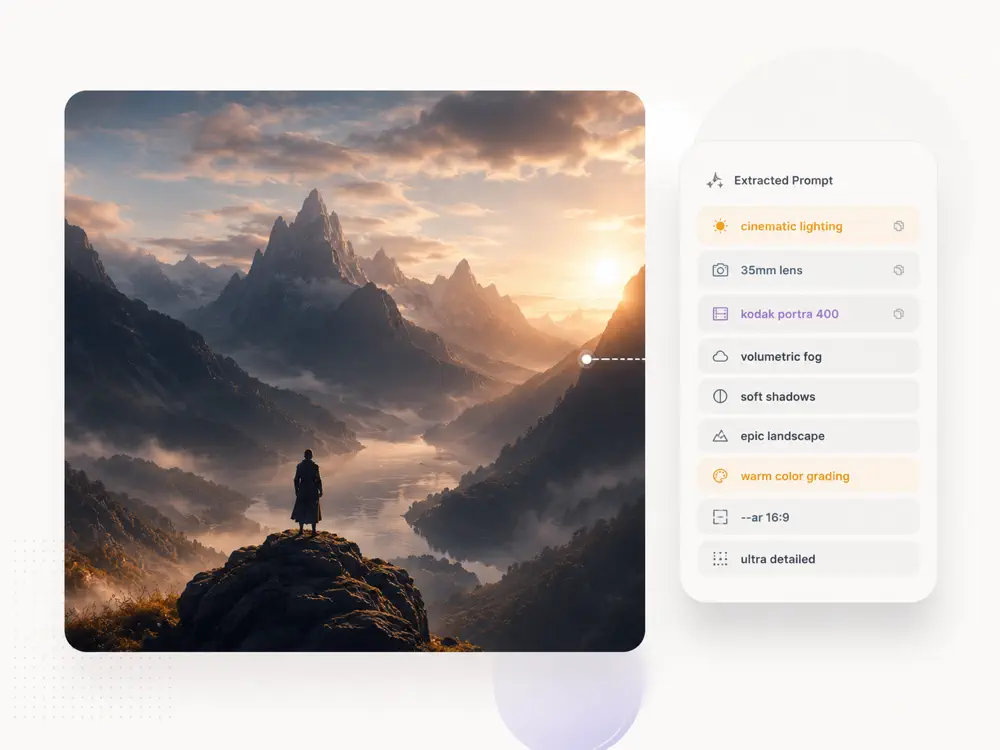
Upload an image, get a structured prompt built from patterns in thousands of real AI artworks. Ready to use in any AI image generator.
Already have a prompt? Generate an image
Image to Prompt, Built on Real Data
Not image description. Prompt patterns distilled from a curated library of viral AI artworks.
Trained on 8000+ viral prompts
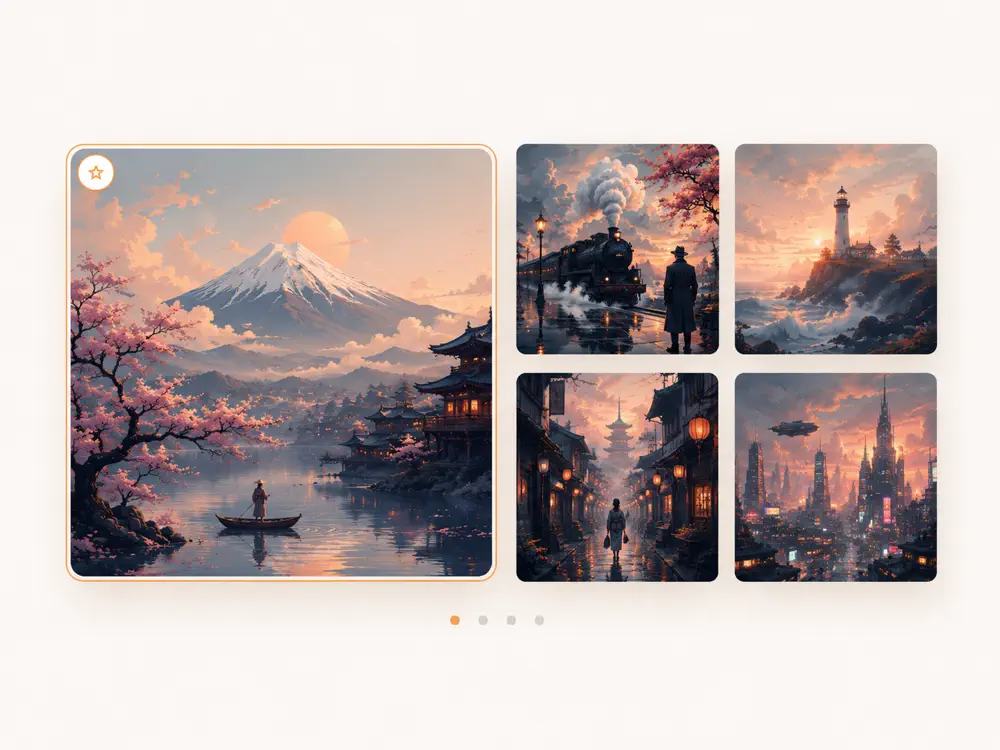
We analyzed thousands of prompts from top AI artists that actually produced viral images. The system doesn't guess prompt structure. It follows proven patterns for each style, from cinematic lighting setups to anime character sheets.
Optimized for your model
A Midjourney prompt needs --ar and --style parameters. A GPT Image prompt needs a specific ordering: subject, then style, then lighting. Choose your target model and get syntax that the model actually responds to.
Vocabulary that matches the style
Filmic prompts use shallow DOF and film grain. 3D prompts use subsurface scattering and ambient occlusion. The system detects your image's visual style and pulls from the right terminology palette.
One click to generate
One click sends the prompt to our free AI Image Generator with everything pre-filled. See an image you like, extract the prompt, generate your own version. Complete creative loop without leaving the site.
When You Need a Prompt from an Image
Real scenarios where describing an image isn't enough. You need a prompt that works.
Learn from work you admire
Found an AI image that nails the exact aesthetic you want? Upload it and see the prompt structure behind it. Understand why it works: the keyword ordering, the style terms, the technical parameters. Then apply those patterns to your own subjects.
Reproduce your own best results
Generated something great by accident? Upload it and extract the explicit prompt, so you can iterate on it deliberately. Change the subject, adjust the mood, try different aspect ratios, all while keeping the core aesthetic locked in.
Adapt across models
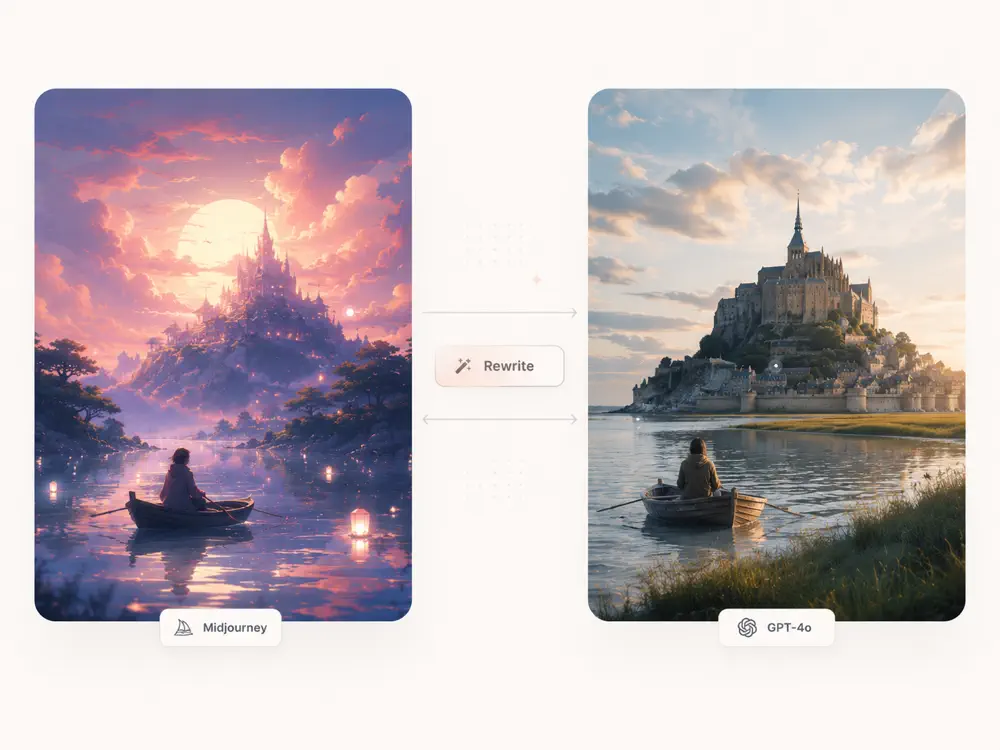
Have a Midjourney image but want to recreate it with GPT Image? Image to Prompt rewrites for your target model's syntax and strengths, not just the same words with different formatting.
Build a personal prompt library
Collect images that represent styles you want to use repeatedly. Run them through Image to Prompt, save the outputs, and you have a reusable prompt toolkit organized by aesthetic. Faster than writing from scratch every time.
How to Get a Prompt from Any Image
Three steps from reference image to generation-ready prompt.
- 01
Upload any image
Drop, paste, or click to upload. Works with AI-generated images, photographs, illustrations, anything you want to reproduce or riff on.
- 02
Choose model and mode
Pick your target model (General or Midjourney) and mode. Closer Match prioritizes faithful reproduction. More Creative gives the AI room to interpret.
- 03
Get your prompt
Receive a structured, copy-ready prompt. Use it as-is, edit it, or send it directly to the generator. The prompt follows the exact structure that performs best for your chosen model.
Image to Prompt vs. Generic Image Description
The difference between describing what's in an image and knowing how to generate it.
Output you can actually use
Generic vision AI outputs something like: a cat sitting on a cloud with soft pink lighting. Our Image to Prompt outputs: Miniature orange tabby cat perched on a wispy cumulus cloud formation, soft pastel pink and lavender gradient sky, tilt-shift photography style, shallow depth of field, dreamy ethereal atmosphere, volumetric god rays filtering through cloud layers, hyper-detailed fur texture.
Structure that models understand
AI image generators are sensitive to prompt ordering. Subject first, then style, then lighting, then technical parameters. Our prompts follow the structure that each model responds best to, not a random paragraph of adjectives.
Vocabulary from real results
Terms like volumetric lighting, subsurface scattering, and chromatic aberration aren't decorative. They trigger specific rendering behaviors. Our vocabulary comes from prompts that produced high-quality images, not from a thesaurus.
Image to Prompt: Frequently Asked Questions
How does image to prompt work?
Our image to prompt tool uses a vision AI model to analyze your uploaded image, identifying subject, composition, style, lighting, and technical details. It then structures this analysis into a generation-ready prompt using patterns learned from 8000+ real AI prompts that produced viral images. The result isn't a description; it's a prompt optimized for reproducing the image with AI generators.
Can I get the exact original prompt used to generate an image?
No tool can recover the literal original prompt. That information isn't embedded in the image file. What our image to prompt tool does is analyze the image and generate a new prompt that produces a very similar result. In testing, the output prompts reproduce the key visual elements, style, and mood of the original with high fidelity.
What's the difference between image description and image to prompt?
Image description tells you what's in a picture, like a cat on a cloud. Image to prompt tells you how to make that picture: subject details, style keywords, lighting setup, camera parameters, and model-specific syntax, all in the order that AI generators respond to best. One is for humans to read, the other is for AI models to execute.
Does image to prompt work for Midjourney, GPT Image, and Flux?
Yes. You choose your target model before generating. For Midjourney, the output includes --ar and --style parameters. For General models (GPT Image, Flux, Gemini, Grok), the output follows a subject, style, lighting, technical structure that these models respond best to. The same image produces different prompts depending on the target.
Is image to prompt free?
Yes, completely free. No account required for basic use. Logged-in users skip the verification step, but the feature itself costs nothing regardless of login status.
What do Closer Match and More Creative mean?
Closer Match produces a detailed, specific prompt designed to reproduce the image as faithfully as possible, locking in every style detail, lighting setup, and composition choice. More Creative produces a looser prompt that captures the essence and mood but gives the AI generator room to interpret and add its own touches. Use Closer Match when you want an exact replica; use More Creative when you want a starting point for variations.
Can I use this with my own photos, not just AI images?
Upload any image: photographs, paintings, sketches, screenshots. The tool analyzes whatever you give it and produces a prompt to recreate that visual in an AI generator. It works especially well with photos when you want to achieve a specific photographic style (film look, editorial lighting, etc.) in AI-generated images.
Why does the same image produce different prompts for different models?
Different AI models interpret prompts differently. Midjourney responds well to short, evocative phrases with parameter flags. GPT Image works best with detailed natural-language descriptions in a specific order. Our system knows these differences because it was trained on real prompts from each model's community, not one-size-fits-all templates.
Turn any image into a usable prompt.
Upload an image. Get a prompt. Generate your version.